
You opened YouTube to watch one 10-minute video.
Two hours later, you’re deep into a rabbit hole about deep-sea creatures, conspiracy theories, or someone renovating a van you’ll never own — and you can’t remember how you got there.
If that sounds familiar, you’re not lacking willpower. You’re up against a recommendation engine built by some of the smartest engineers in the world, whose entire job is to keep you watching one more video. Autoplay, infinite scroll, algorithmically-picked thumbnails, and variable-reward psychology aren’t accidents — they’re the product.
The good news: you don’t have to quit YouTube entirely to break the addictive cycle. You just need to change how you consume it. Here’s how.
Before the fixes, it helps to understand what you’re fighting:
Once you see the mechanics, it’s easier to design around them instead of relying on willpower alone.
This is the single highest-leverage change you can make. On desktop, there’s a toggle right above the video player. On mobile, it’s in Settings → Autoplay. Removing autoplay reintroduces a decision point after every video — and that pause is often enough to break the trance.
A cluttered subscription feed is designed to be scrolled endlessly. Instead of unsubscribing from channels you like, unsubscribe from the feed itself as your main way of watching. Keep a short list of channels you genuinely value, and check in on them intentionally rather than letting YouTube’s homepage decide what you watch next.
Built-in screen time limits (iOS Screen Time, Android Digital Wellbeing) are a start, but most people just tap “ignore limit” out of habit. Pair the timer with a small friction step — like requiring you to type out a sentence explaining why you need more time. Friction is what actually works, not the timer itself.
This sounds extreme, but it’s one of the most effective tricks in behavioral design. The mobile app is engineered for compulsive use — push notifications, a thumb’s reach away, infinite scroll optimized for touch. The browser version is clunkier and slower to open. Removing the app doesn’t remove YouTube from your life; it just removes the frictionless version of it.
Most YouTube binges start from an emotional trigger: boredom, procrastination, avoidance, or just habit — reaching for your phone before you’ve even decided to. Identify your actual trigger (boredom in line, avoidance of a hard task, winding down before bed) and pre-decide a replacement for that specific moment: a podcast, a short walk, a page of a book, even just sitting with the boredom for 60 seconds.
Total bans tend to backfire because they create a scarcity mindset that leads to bingeing later. Instead, give yourself a defined window — say, 30 minutes after dinner — where YouTube is fully allowed, guilt-free. Knowing you’ll get your window later makes it easier to close the tab now.
A lot of YouTube addiction isn’t really about YouTube — it’s about the anxiety of missing something valuable from creators you actually respect. That fear (of missing a great video from a channel you follow) is exactly what keeps people checking compulsively “just in case.” The fix isn’t more willpower — it’s a system that tells you when something’s actually worth your time, so you’re not checking to find out.
This is where most YouTube-addiction advice falls short: it tells you to consume less without solving the reason you were watching in the first place — you’re a founder tracking industry trends, a marketer following niche experts, or someone genuinely trying to learn. Cutting yourself off entirely means missing real, useful information, which makes the habit even harder to break long-term.
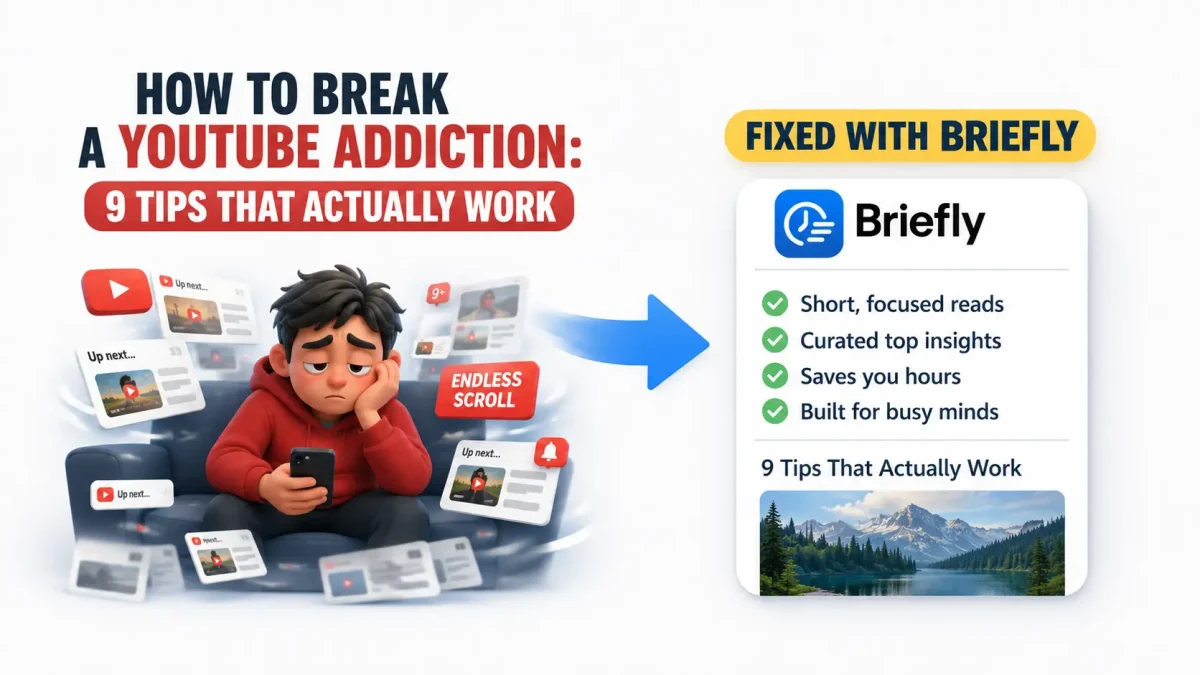
This is exactly the gap Briefly is built for. Instead of opening YouTube and hoping you’ll watch just one video, you follow the channels or topics you actually care about inside Briefly, and it turns each new video into a short written summary — or an audio version you can listen to on your commute. You get the ideas and takeaways from a 45-minute video in about 2 minutes, with zero autoplay, zero recommended-videos sidebar, and zero rabbit hole.
For channels where you only want the ideas — a tech review, an interview, an industry breakdown — Briefly removes the temptation entirely. And when a video genuinely deserves your full attention (a full documentary, a creator you love, something visual), you can still choose to watch it in full — but now that’s a decision you’re making on purpose, not a spiral you fell into.
You can try it through the web dashboard, or catch summaries wherever you already are — Briefly also works through WhatsApp, Telegram, and a Chrome extension, so you don’t need to open a new app to stay caught up.
Before changing anything, check your actual screen time report for YouTube this week. Most people are shocked by the real number — often 2 to 3 times higher than they’d guess. You don’t need to fix everything at once. Pick two or three of the tips above, run them for a week, then check the number again. Seeing it drop is its own motivation to keep going.
You don’t need to delete your account or swear off video content forever. The goal is to stop defaulting into YouTube out of boredom or habit, and start choosing it on purpose — for the creators and content that are actually worth your time.
Cutting the autoplay loop, curating your feed, and offloading the channels you follow “just in case” to a tool like Briefly gets you most of the way there. The rest is just noticing the moment you reach for the app on autopilot — and choosing something else instead.
Ready to stop falling down YouTube rabbit holes? Try Briefly free for 14 days and get the key ideas from your favorite channels without the binge.
