How Students Can Use AI to Ace Research Papers

How Students Can Use AI to Ace Research Papers

The academic landscape has been irrevocably changed by artificial intelligence. While schools are rightfully cracking down on using AI to write essays, they often overlook the most powerful, legitimate use case for AI in academia: the research phase. Gathering sources, reading dozens of dense academic blogs, and watching hours of lecture videos form the hardest part of any research project. If you can optimize the extraction phase, the writing phase becomes effortless.

The Research Bottleneck

When tasked with writing a 10-page paper, a student might have to sift through 30 different online articles and 5 documentary videos just to find the quotes and statistics they need to support their thesis. Manually reading through all of this source material is why students pull all-nighters.

Ethical AI Research with Briefly

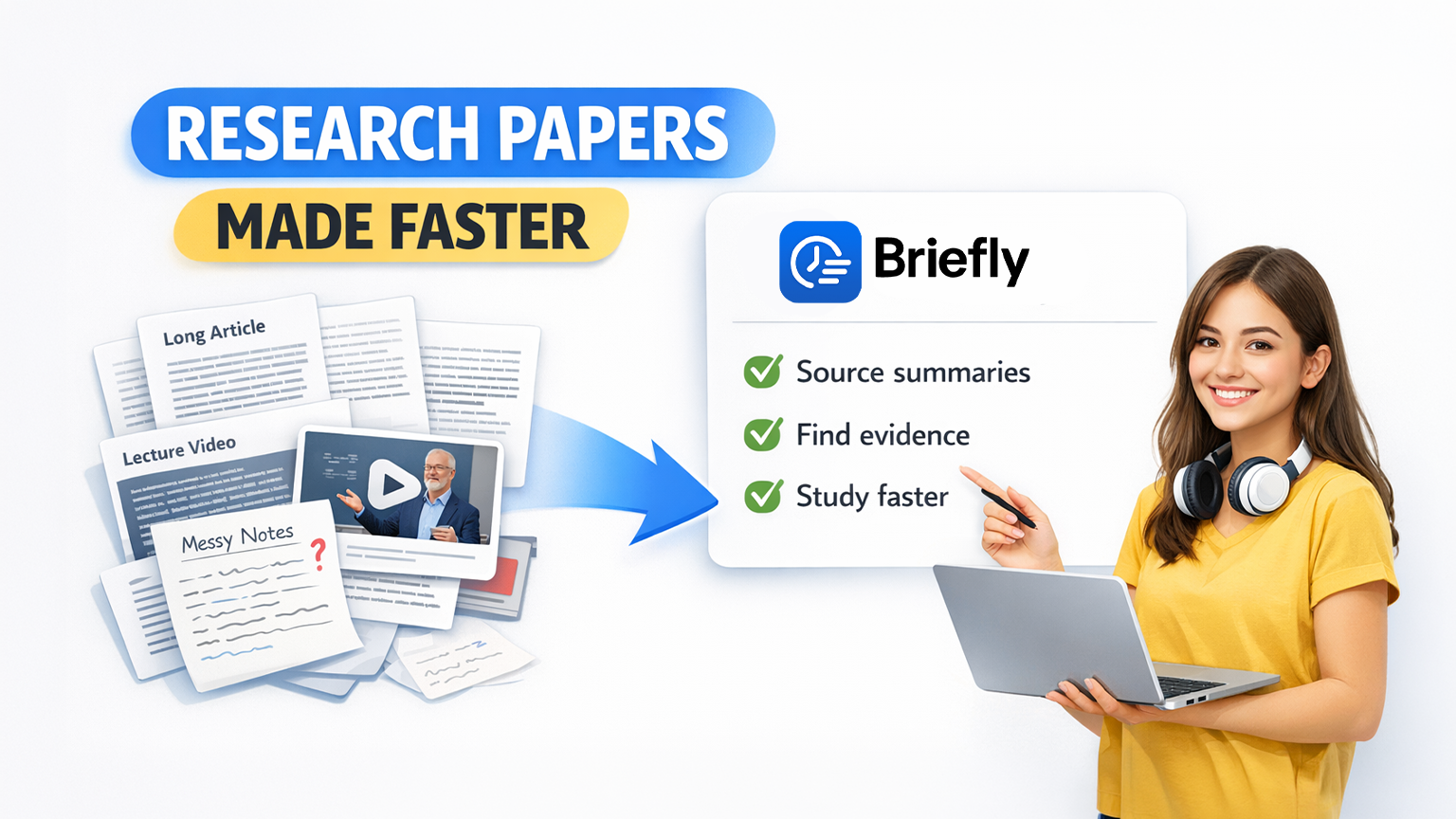
Briefly does not write your paper for you. Instead, it acts as the ultimate research assistant, helping you comprehend massive amounts of source material at breakneck speed.

The Student Research Hack:

  1. Mass Ingestion: Find the long-form articles, historical blogs, and University YouTube lectures relevant to your topic. Paste the links directly into Briefly.
  2. Extract the Thesis: Briefly’s AI instantly reads the material and generates concise summaries detailing the author’s main arguments and supporting evidence.
  3. Locate Your Quotes: Skim the AI summaries to find exactly which article holds the data you need for your thesis, then dive into that specific section of the original text. You save hours of manual scanning.

Manually Summarize Research Papers with New Summary

Students often discover individual research papers, academic articles, and source pages while searching Google Scholar, university libraries, or course reading lists. Instead of forcing yourself to read every dense paper from top to bottom before deciding whether it is useful, you can use Briefly’s New Summary button to summarize a research source manually.

How Students Can Use New Summary:

  1. Open New Summary: Click the New Summary button in Briefly when you find a research paper, academic article, or source page you want to evaluate.
  2. Paste the Research URL: Add the link to the article or paper so Briefly can process the source material directly.
  3. Review the Core Argument: Briefly turns the long academic text into a focused summary of the main thesis, supporting evidence, and important takeaways.
  4. Decide Whether to Cite It: Use the summary to quickly judge whether the paper supports your assignment before spending time reading the full source in detail.

Study Smarter, Not Harder

Stop wasting your weekends desperately looking for source material. Use Briefly to systemize your research, digest information faster, and write better papers in half the time.

    Leave a Reply

    Your email address will not be published. Required fields are marked *

    Briefly AI Logo
    © 2026 Briefly AI.
    Briefly AI is a part of Ascension.